

 WhatsApp
 Telegram
On your own device
For Smart TV, Android TV or a compatible TV box. We will check the model and suitable app before purchase.
- TV package for your selected term
- Help choosing an app and connecting
- No new TV box purchase
 Connection helpWhatsApp
TV packages · TV boxes · Russian-speaking support
We will help choose a TV package, check your television’s compatibility and guide you through setup
Russia: from 20 ₪ for 1 month2 simultaneous connections
For Smart TV, Android TV or a compatible TV box. We will check the model and suitable app before purchase.
For a television that needs a box, or if you prefer not to install the apps yourself.
Compare packages, then select your term and connections. The order card shows the price for the entire selected term.
Comparison prices cover 1 month and 2 connections. Select annual pricing in the order card.
All TV packages and channel listsSwitch models to see the matching price and contents.
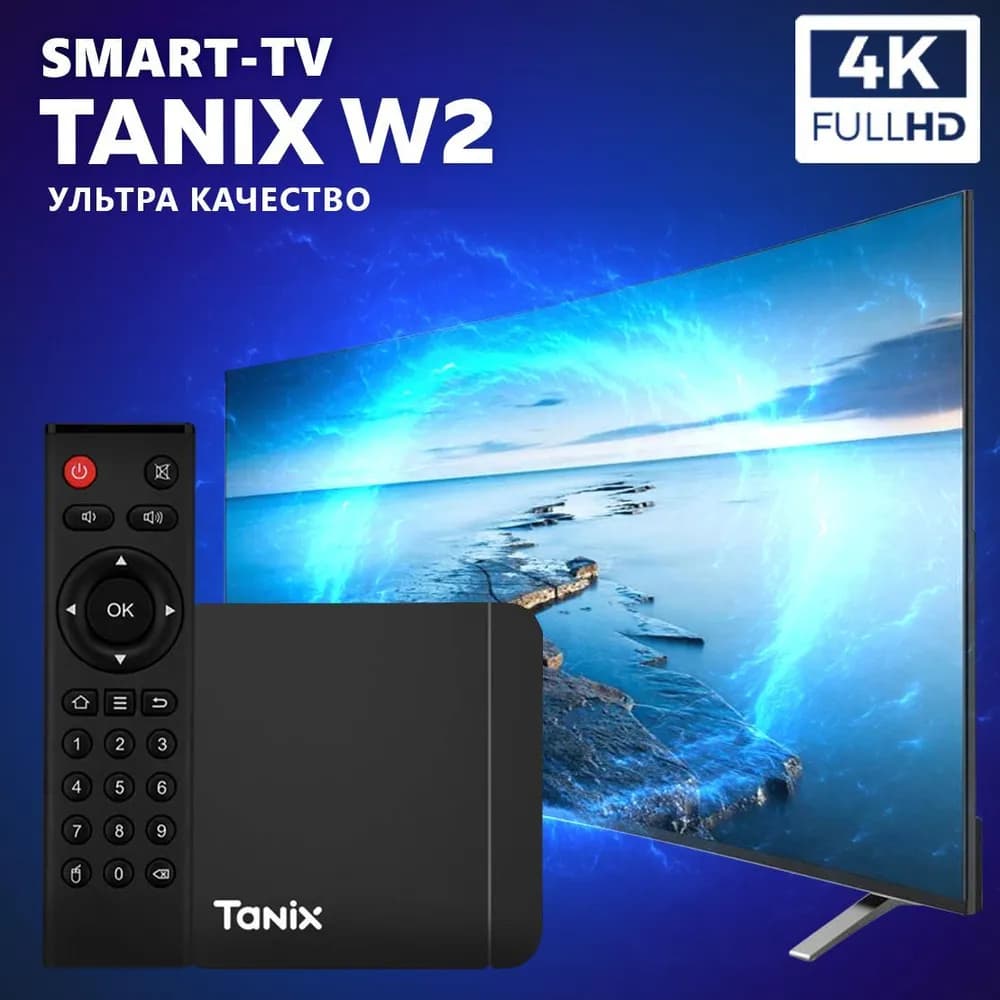
Application preconfiguration is included. Internet is required; we will check your television’s compatibility before ordering.
Price is for the bundle. Pickup in Haifa is free. Paid delivery is calculated at checkout before confirmation.
Warranty: confirm the terms and duration for your chosen model before purchase. Check compatibility and warranty
Choose a package or send your TV model on WhatsApp.
We will check compatibility. Review the term, connections and order total before confirming.
Get instructions and setup help. To renew, contact us or choose a package in your account.
Send us your television’s make and model. We will start with compatibility, not additional equipment.